

Comparing Popular Note-Taking Apps: What Actually Matters
Not all note apps are the same. Here's what to look for based on how you actually work.
Learn how to divide your week into focused blocks. We'll cover the setup, common mistakes, and why it actually works.

Time blocking is straightforward. You divide your week into chunks of focused time, each dedicated to specific work or activities. Instead of jumping between tasks, you protect these blocks like they're actual appointments. No distractions. No context-switching.
Think of it like this — your calendar becomes a schedule for your brain, not just a list of meetings. When you've got a block reserved for deep work, that's exactly what happens during that time. No checking emails. No jumping to the next thing that feels urgent.

Your brain doesn't work well with endless options. When you've got an open day and a to-do list, you'll spend half your time deciding what to do next. That's decision fatigue, and it drains your energy before you've done real work.
Time blocking removes that choice. You've already decided. Monday morning at 9 AM? That's for client work. Wednesday afternoon? Deep focus on strategic projects. Your brain can settle into one thing because there's no ambiguity about what comes next.
There's also something about protecting time that makes it feel real. When you tell yourself "I'll work on this sometime," it probably won't happen. But when you've got it scheduled — a real block on your calendar — you're much more likely to actually do it. It becomes an appointment with yourself that matters.

Start simple. Don't try to schedule every hour. Pick the 3-4 types of work that matter most — maybe it's client meetings, deep project work, administrative tasks, and strategic planning. That's your starting point.
Block out realistic chunks. If you do deep work best in 90-minute sessions, block 90 minutes. If you've got two client calls that typically run 45 minutes each, block an hour. Add buffer time between blocks — switching gears takes longer than people think.
Use your calendar. Don't just write it down. Put blocks in your actual calendar so they're visible to everyone and you're less likely to double-book yourself. Include the transition time. If you've got focused work from 9-11 AM and a meeting at 11, that's tight but doable. If you've got focused work until noon and a meeting at noon, you'll be rushed.
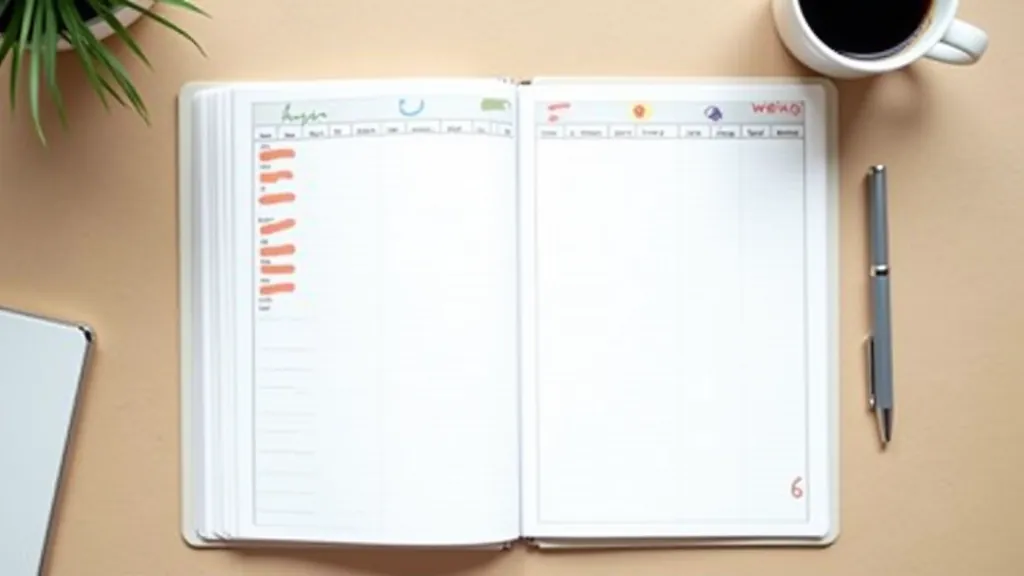
The biggest mistake? Scheduling every single hour and expecting to stick to it perfectly. Life doesn't work that way. Start with 50-60% of your week blocked, leaving the rest flexible for unexpected things. Once you've got that working, you can add more.
If you're a morning person, don't schedule deep work at 4 PM. If you hit a wall after lunch, don't put your hardest tasks then. You've got to work with your natural rhythm, not against it. Pay attention to when you actually do your best work, then block accordingly.
A time block only works if you actually defend it. That means not checking email during deep work blocks. Not taking "quick calls" that aren't scheduled. Not letting every interruption derail your plan. It's not rigid — things come up — but the default should be protecting what you've scheduled.

Here's what separates people who try time blocking from people who actually use it: reviewing and adjusting. After one week, look at what worked and what didn't. Did you overestimate how much you could do? Did you underestimate certain tasks? Adjust for week two.
The blocks should evolve as you learn your own patterns. You might discover that you need 30 minutes between certain types of work to really switch gears. Or that Tuesday afternoons are better for client calls than you thought. That's all useful information. Build it in.
And be honest about what you can actually protect. If your work culture is interrupt-heavy, maybe deep focus blocks only work for you early morning or late afternoon. If you're managing multiple people, maybe administrative time needs to be more flexible. Time blocking adapts to your situation — you don't have to force your situation to fit time blocking.

This article is educational and informational in nature. Time blocking is a productivity technique with different results for different people. The approaches described here are general best practices based on common experiences, not a guaranteed system. Your success with time blocking will depend on your specific work environment, role, and personal preferences. Experiment, adjust, and find what actually works for you.
Time blocking isn't complicated. It's just intentional scheduling. You're not reinventing how you work — you're being deliberate about when different types of work happen.
Start with one week. Pick three types of work that matter. Block 50-60% of your calendar. Don't try to perfect it. See what happens. You'll learn more from one week of actual practice than from reading about theory.
The best productivity system is the one you'll actually use. If time blocking fits how your brain works and matches your schedule, it can be genuinely transformative. If it doesn't, that's fine too. There's no shame in trying something and realizing it's not for you.